
Frequently Asked Questions
Answers to common questions about searching the archive, viewing page previews, ordering matched JPGs, Kindle editions, and requesting help.
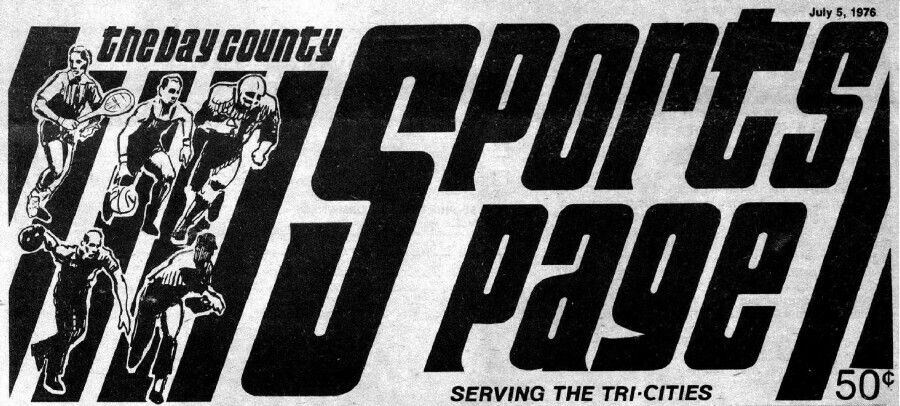
This archive is designed to help you search names, teams, schools, businesses, and local sports history across the pages of the Bay County Sports Page and the Bay City Enterprise.
Below are the questions people ask most often when searching the collection, reviewing preview pages, and requesting matched images.
How do I search the archive?
Use the search box on the home page and enter a surname, school, team name, business, sport, or other keyword.
Search is case-insensitive, so uppercase and lowercase do not matter.
Can I search one year at a time?
Yes. Use the year drop-down menu to limit your search to a specific year, or choose All Years to search the full archive.
Why do I see multiple results from the same issue?
A keyword may appear on more than one page in the same newspaper issue. Search results are grouped by issue date so you can review all matching pages from that issue together.
What does “View IMG” show me?
“View IMG” opens a watermarked preview image of the newspaper page so you can confirm that you found the correct item before purchasing or requesting pages.
Are the preview images full resolution?
No. Preview images are watermarked viewing copies. Full-resolution images are available through the archive.
What does “Look & Buy MATCHED JPGs” mean?
That option gathers the pages from a single issue that matched your search so you can review and purchase the relevant JPG pages more easily.
Do I have to buy pages one at a time?
Not always. If many pages for the same person or topic appear in search results, you can use the bulk request option to ask for all pages from that search together.
Are complete issues available?
Some complete issues may also be available as Amazon Kindle editions, and hardcopy paper issues may be available by inquiry.
What if I cannot find the person or team I’m looking for?
Try alternate spellings, shorter names, school names, team nicknames, or related keywords. OCR text from old newspapers is not always perfect, so a second or third search approach often helps.
How do I ask a question or request help?
Use the Contact page or the support options on the site if you need help locating material, bundling pages, or asking about issue availability.
Helpful tip: If your first search gives too many results, narrow it by year. If it gives too few results, try a broader keyword or alternate spelling.
Return to Home